Why UST projectors are different
An ultra-short-throw projector sits very close to the screen and throws the image upward at a steep angle. That geometry makes UST convenient in living rooms, but it also magnifies screen waves and makes directional screen design critical.
Why screen flatness matters more
With long throw, light approaches the screen relatively straight. With UST, light skims upward from close range. A small ripple can change the reflected angle enough to become a visible bright/dark band or geometric distortion. That is why fixed frames and properly tensioned retractable screens are common UST choices.
UST ALR / CLR surfaces
Many UST ALR screens use lenticular or sawtooth-like optical structures. They are designed to reflect light from below toward the viewer while absorbing more light from above. This can preserve contrast in a living room, but it also means screen orientation is non-negotiable.
Bottom-mounted vs ceiling-mounted UST
The NothingProjector product page currently distinguishes PRO and PRO A configurations, noting one for a UST projector on a cabinet/bench and another for a ceiling-mounted setup. That is an important reminder: if you invert the projector position, you may also need a screen material orientation designed for that inverted light path.
What to check before buying a UST screen
- Projector throw type and mounting orientation.
- Screen material compatibility.
- Visible width and total case width.
- Gain and viewing-angle behavior.
- Ambient-light direction in the room.
- How the projector trigger or automation will control a motorized screen.
Where the Black Series fits
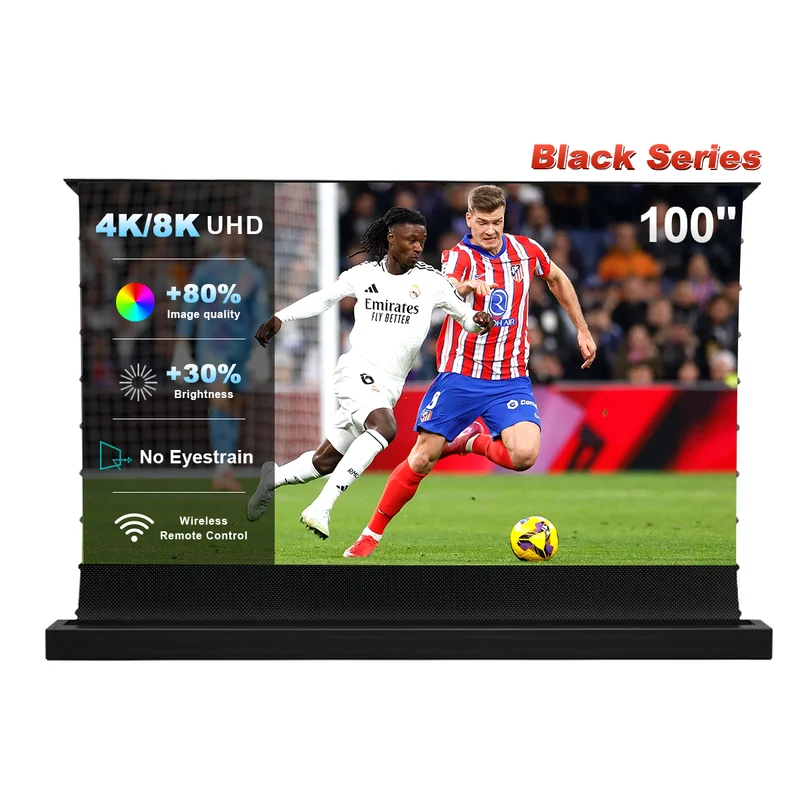
The Black Series is explicitly positioned as a UST-only floor-rising ALR screen. Current specs list 0.6 gain, 170° viewing angle, 84–130″ sizes and voice-control compatibility. If that matches your projector orientation, it sits squarely in the “laser TV / living-room UST” category.
Match the screen to your UST setup
Use the live Black Series page to confirm your size and projector-position variant before ordering.
Check UST-Compatible OptionsNext step: alignment
Once the screen choice is correct, the hard part becomes geometry. Read our UST projector screen setup guide before you start using digital keystone correction to solve a physical placement problem.